
How to Keep Your Dog's Vaccination Records Organized
By App Bards · · Pet Care
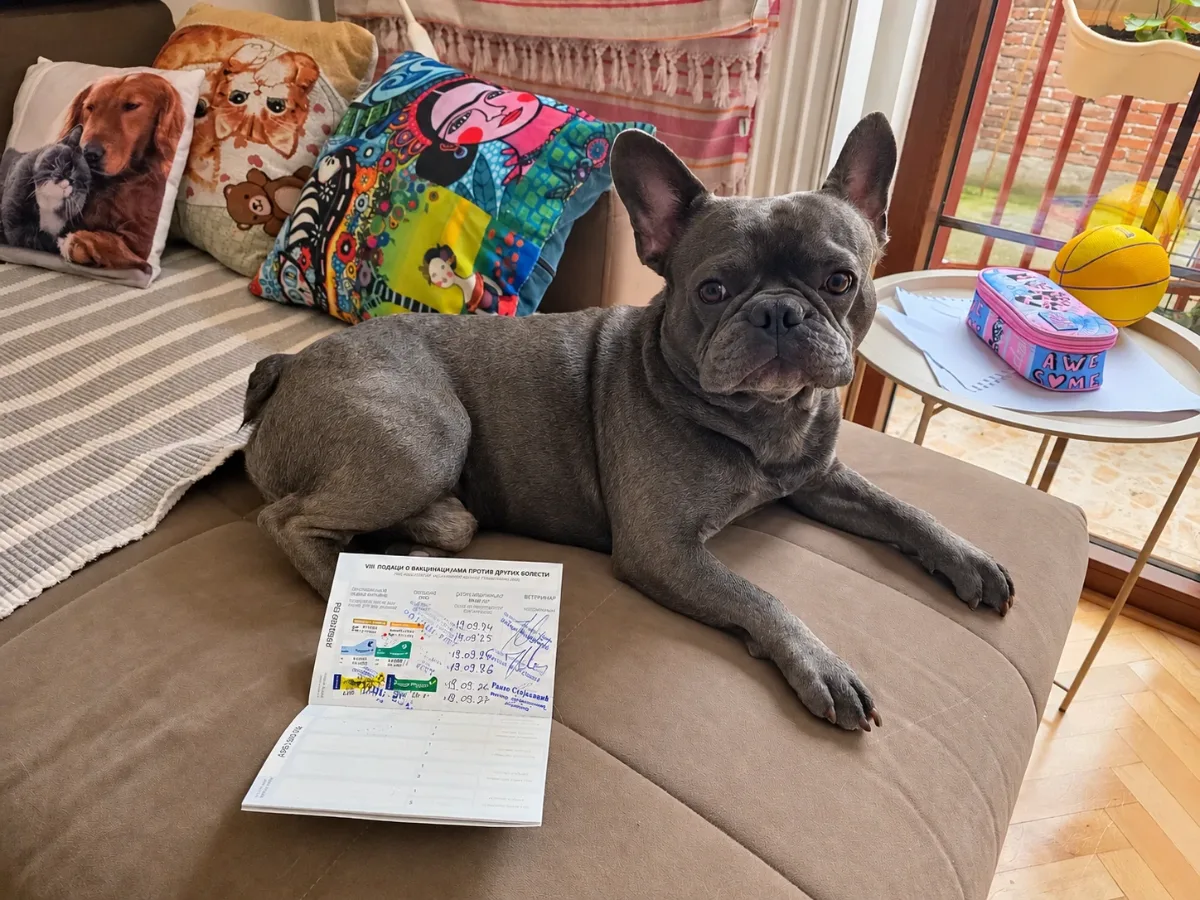
If you've had your dog for a while, you probably have vaccination information in more than one place. Maybe there's a booklet from the vet, an old certificate in a drawer, or a reminder somewhere on your phone.
That usually works until you need a particular date.
Perhaps you're booking a boarding stay, visiting a new veterinarian or simply trying to remember when the next vaccination is due.
Keeping your dog's vaccination records organized doesn't have to be complicated. A few details saved in one place can make them much easier to find when you need them.
What information should you keep for each vaccination?
A useful vaccination record should tell you what your dog received and when.
For each vaccination, try to keep:
- Vaccine name: The name of the vaccine administered.
- Date given: When your dog received it.
- Next due date: The date recommended by your veterinarian for the next dose or booster, if applicable.
- Veterinary clinic: Where the vaccination was administered.
- Official documentation: Any certificate, vaccination booklet entry or other document provided by the veterinarian.
Some veterinary documents also include the vaccine manufacturer, batch number or veterinarian's signature. Keep those original details and documents when provided.
It's important to distinguish the date a vaccine was administered from its expiration or next-due date. They aren't necessarily the same thing.
Your veterinarian should determine the appropriate vaccination schedule for your dog.
Keep a vaccination history, not just the next appointment
It's tempting to record only the next booster date. But your dog's earlier vaccinations are useful too.
For example, if you've adopted a dog, moved to a different city or changed veterinarians, having a history of previous vaccinations makes it easier to explain what you know about your dog's care.
For puppies, vaccination records can include several appointments during their first months. As your dog gets older, the history will grow.
Rather than replacing each old record with a new date, keep previous entries so you can look back through them.
That way, your dog's vaccination history remains organized instead of becoming a collection of disconnected reminders.
Paper records or digital records?
You don't necessarily have to choose one.
A paper vaccination booklet or official certificate can be important, especially when proof of vaccination is required.
A digital record is convenient for everyday organization.
For example, you might want to check your dog's last vaccination date while you're away from home. Opening a record on your phone is often easier than looking for paperwork.
Digital records can also help when you have more than one pet, since each animal's information can be kept separately.
The most practical approach is often to use both:
- Keep official vaccination certificates and documents issued by your veterinarian.
- Maintain a digital history of dates and vaccination names.
- Set reminders for future vaccinations.
- Keep a backup of your digital records.
Remember that a manually entered vaccination record in an app is not automatically an official certificate of vaccination.
How to organize your dog's vaccinations in Pet Health Tracker Reminder
If you prefer keeping records on your phone, Pet Health Tracker Reminder is one option for Android and iOS.
The app lets you create individual pet profiles, save vaccination records and set reminders without creating an account.
Here's a simple way to get started.
Step 1: Create your dog's profile
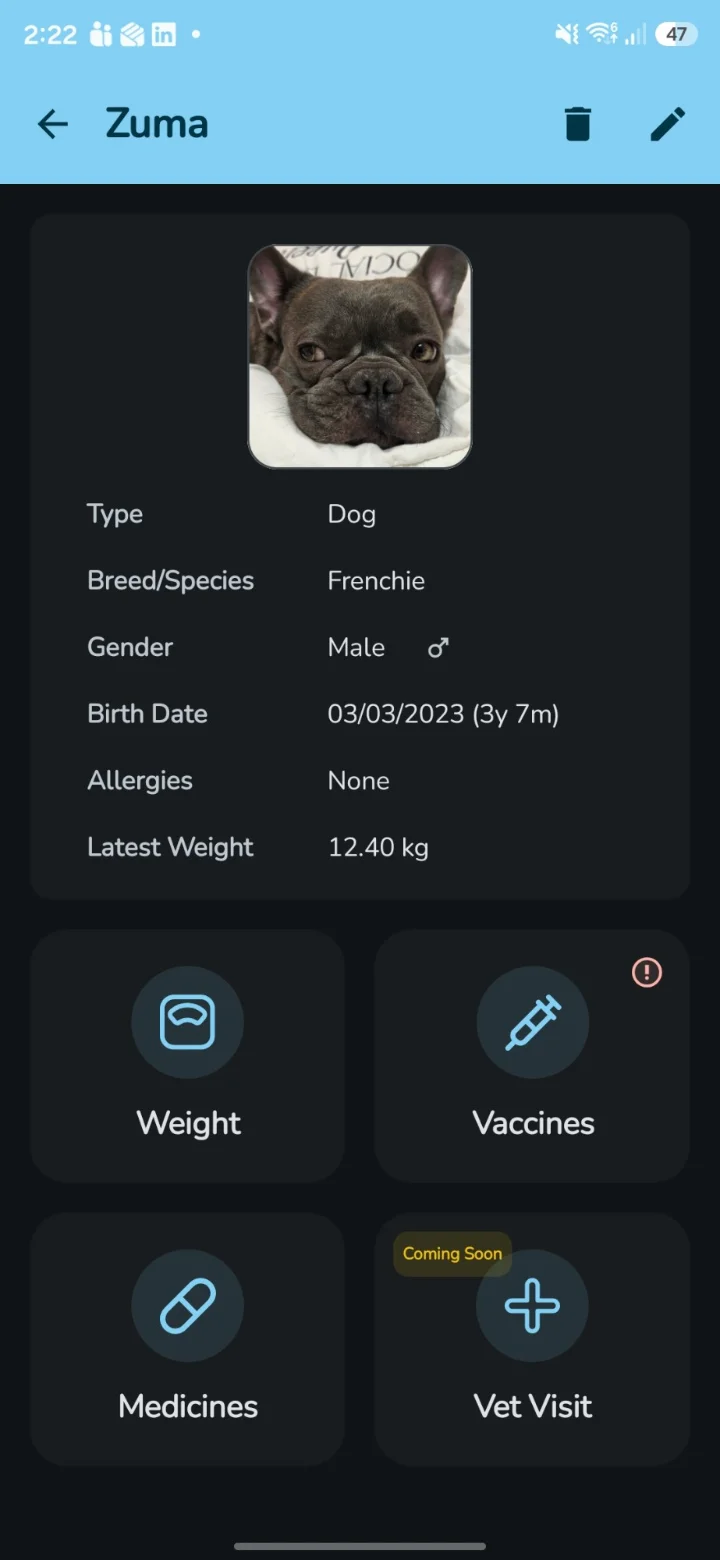
Add your dog's name, photo and other useful information.
You can also save details such as breed, birth date, microchip number and allergies.
If you have more than one pet, create a separate profile for each animal.
Step 2: Add an existing vaccination record
Open your dog's profile and select Vaccines.
Add the vaccination name and the date it was given, using the details from your veterinary records.
Enter the expiration or next-due date where applicable.
If you're copying information from a vaccination booklet, check the date carefully before saving.
Step 3: Set a reminder
For an upcoming vaccination, set a reminder using the date recommended by your veterinarian.
This keeps the date alongside the vaccination record, rather than leaving it buried in your calendar or messages.
Notifications depend on your device's reminder and notification settings, so they shouldn't be your only source of important medical scheduling information.
Step 4: Keep the history updated
After a veterinary appointment, update the relevant vaccination record or add the newly administered vaccination.
Over time, you'll build a useful vaccination history for each pet.
Vaccination records and vaccination reminders are free features in Pet Health Tracker Reminder.
You can learn more about the app and download it for Android or iOS on the Pet Health Tracker Reminder page.
When might you need your dog's vaccination records?
There are several common situations where having vaccination information organized is helpful.
Visiting a new veterinarian
If you change veterinary clinics, a vaccination history can help you explain your dog's previous care.
The new clinic may still need records directly from the previous veterinarian, especially where official documentation is required.
Boarding or daycare
Some boarding facilities and daycare providers ask for proof of particular vaccinations.
Requirements vary between facilities, so check what documents they accept before your visit.
Having dates organized on your phone makes it easier to identify which records you need to request or provide.
Traveling with your dog
Depending on your destination, traveling with a dog may require specific veterinary documents.
A digital record can help you organize the information, but it doesn't replace official certificates or documentation required by authorities.
Always check the applicable requirements before traveling.
Keeping up with routine care
Even if your dog stays close to home, keeping vaccination dates together can make routine veterinary visits easier to prepare for.
You don't have to remember every date yourself when you have a record you can review.
What if you don't know your dog's vaccination history?
This is common with adopted dogs or pets whose earlier paperwork has been lost.
Start by contacting the previous veterinarian, shelter or rescue organization.
They may be able to provide vaccination documents or confirm previous treatment dates.
If the history remains unclear, speak with your veterinarian about the appropriate next steps.
Avoid inventing dates or marking vaccinations as completed when you don't have reliable information.
Veterinary recommendations depend on a dog's age, history, lifestyle and other factors.
For additional information, you can read the American Animal Hospital Association's canine vaccination guidelines.
A simple habit that helps
You don't need a complicated system to stay organized.
After each veterinary appointment, spend a moment checking whether your dog's records need updating.
Save the new vaccination information, confirm the next recommended date and keep any official documents in a safe place.
Whether you use a vaccination booklet, a phone app or both, the goal is the same: having reliable information available when you need it.
For pet owners who prefer keeping everyday records on their phones, Pet Health Tracker Reminder provides vaccination tracking and reminders alongside other pet health records.
This article is intended for general record-keeping guidance. Vaccination decisions and schedules should always be discussed with a qualified veterinarian.